SwiftUIでMapKitを使用してMapViewを作る
2020/07/29
完成図
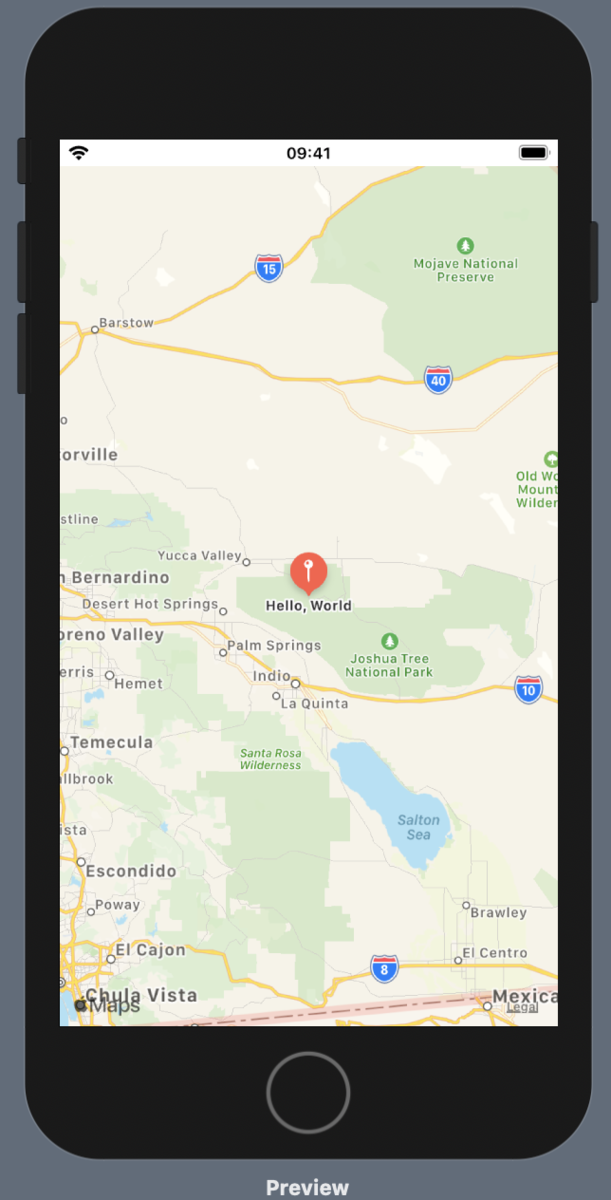
MapView 作る
まず、UIViewRepresentableプロトコルに準拠するMapViewを作成します。
import SwiftUI
import MapKit

struct MapView: UIViewRepresentable {

}
UIViewRepresentableには、2つのデリゲートメソッドが定義されていて呼び出す必要があります。
呼び出しましょう。
struct MapView: UIViewRepresentable {
func makeUIView(context: Context) -> MKMapView {
return MKMapView(frame: .zero)
}
func updateUIView(_ uiView: MKMapView, context: Context) {
}
}
プレビューしてみると以下のようにマップが表示されていることがわかります。
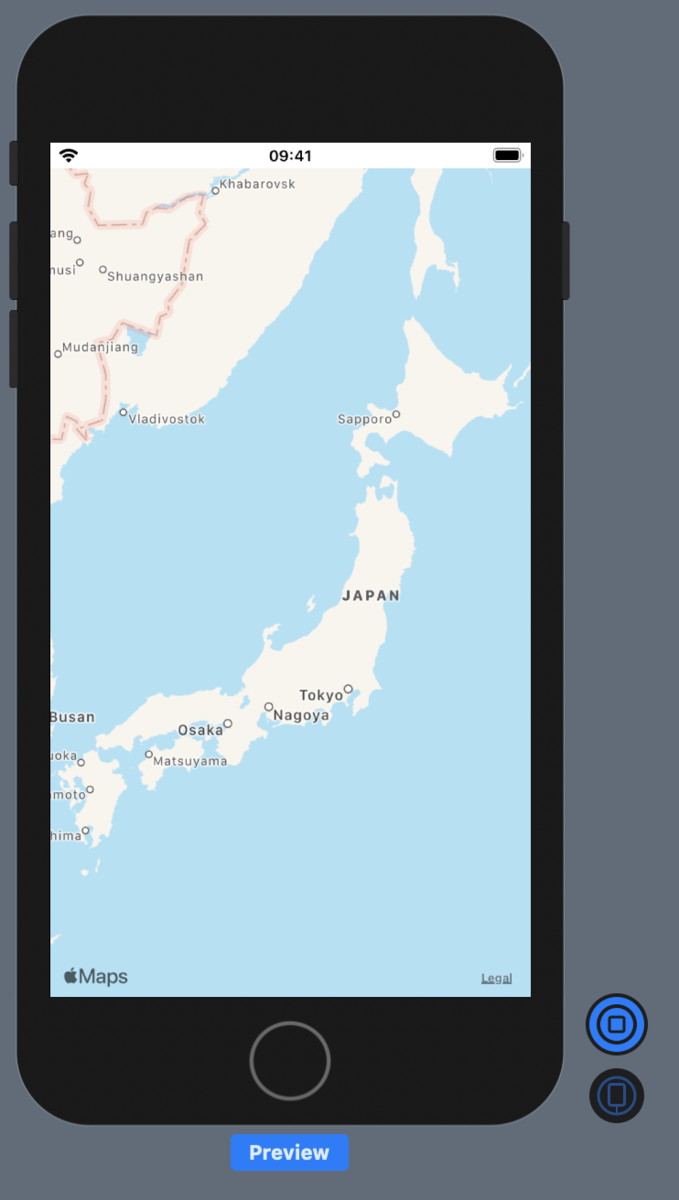
このままでは、何の面白みも工夫もないので、
初期の位置を設定して最初から初期位置を表示し
初期位置にピンを立ててみましょう。
では、updateUIViewを以下のように記述してプレビューしてみましょう。
※現状は、makeUIViewに記述しても動作としては同じ
func updateUIView(_ mapView: MKMapView, context: Context) {
let latitude = 34.011286, longitude = -116.166868
let coordinate = CLLocationCoordinate2DMake(latitude, longitude)
let span = MKCoordinateSpan(latitudeDelta: 2.0, longitudeDelta: 2.0)
let region = MKCoordinateRegion(center: coordinate, span: span)
mapView.setRegion(region, animated: true)
let annotation = MKPointAnnotation()
annotation.coordinate = coordinate
annotation.title = "Hello, World"
annotation.subtitle = "hoge"
mapView.addAnnotation(annotation)
}
完成図と同じ画面を作ることができました。
おわりに
今回の記事のプロジェクトをGitHubに上げているのでぜひ参考にしてください。
tukuyo/SwiftUI_Map